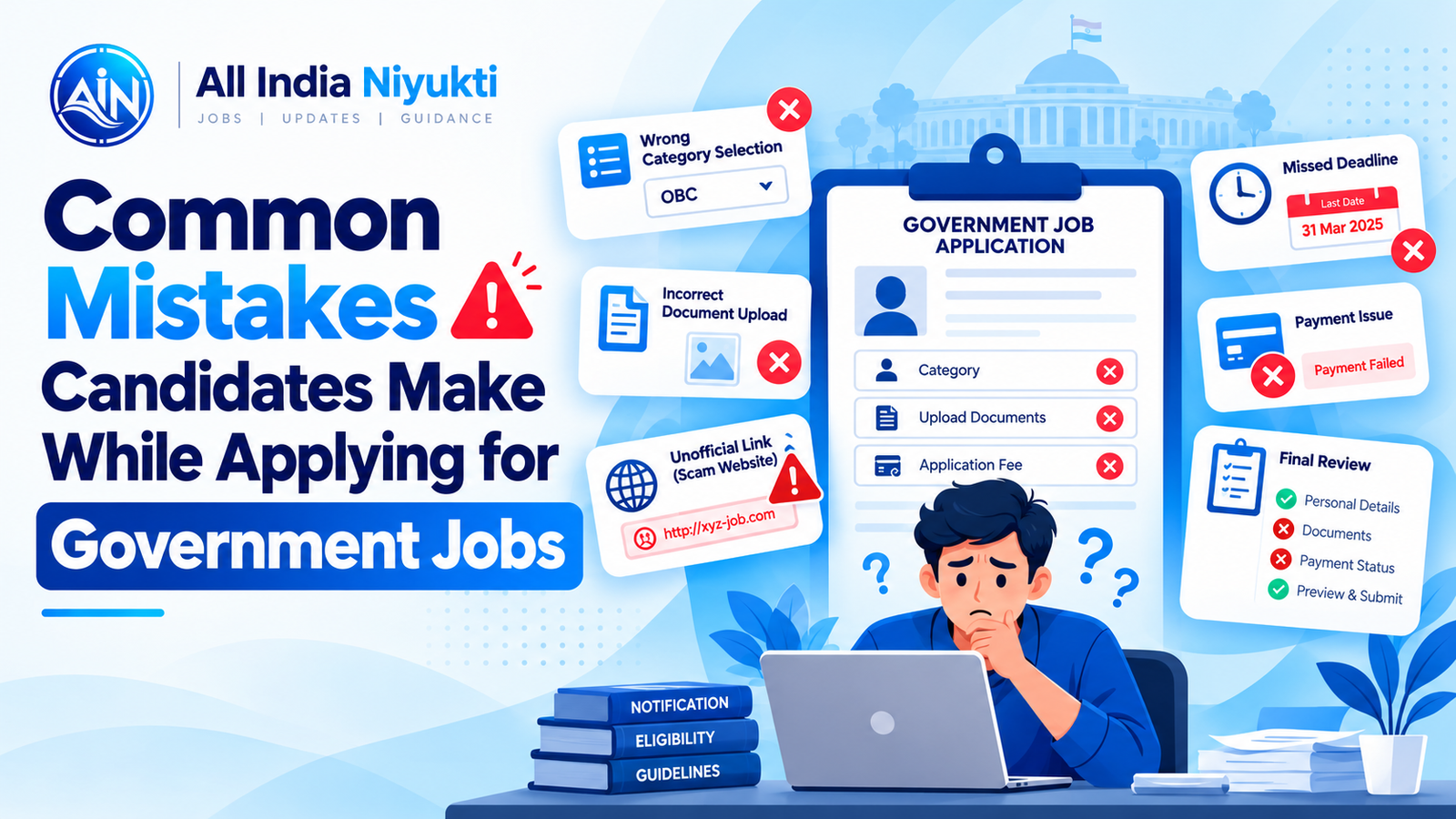
An application can be rejected or delayed for reasons that have little to do with a candidate’s ability. Many problems begin when applicants rely on a short summary, leave form-filling until the deadline, or assume that a successful payment means the application is complete. A calm checklist can prevent several of these avoidable errors.
Assuming eligibility without checking every condition
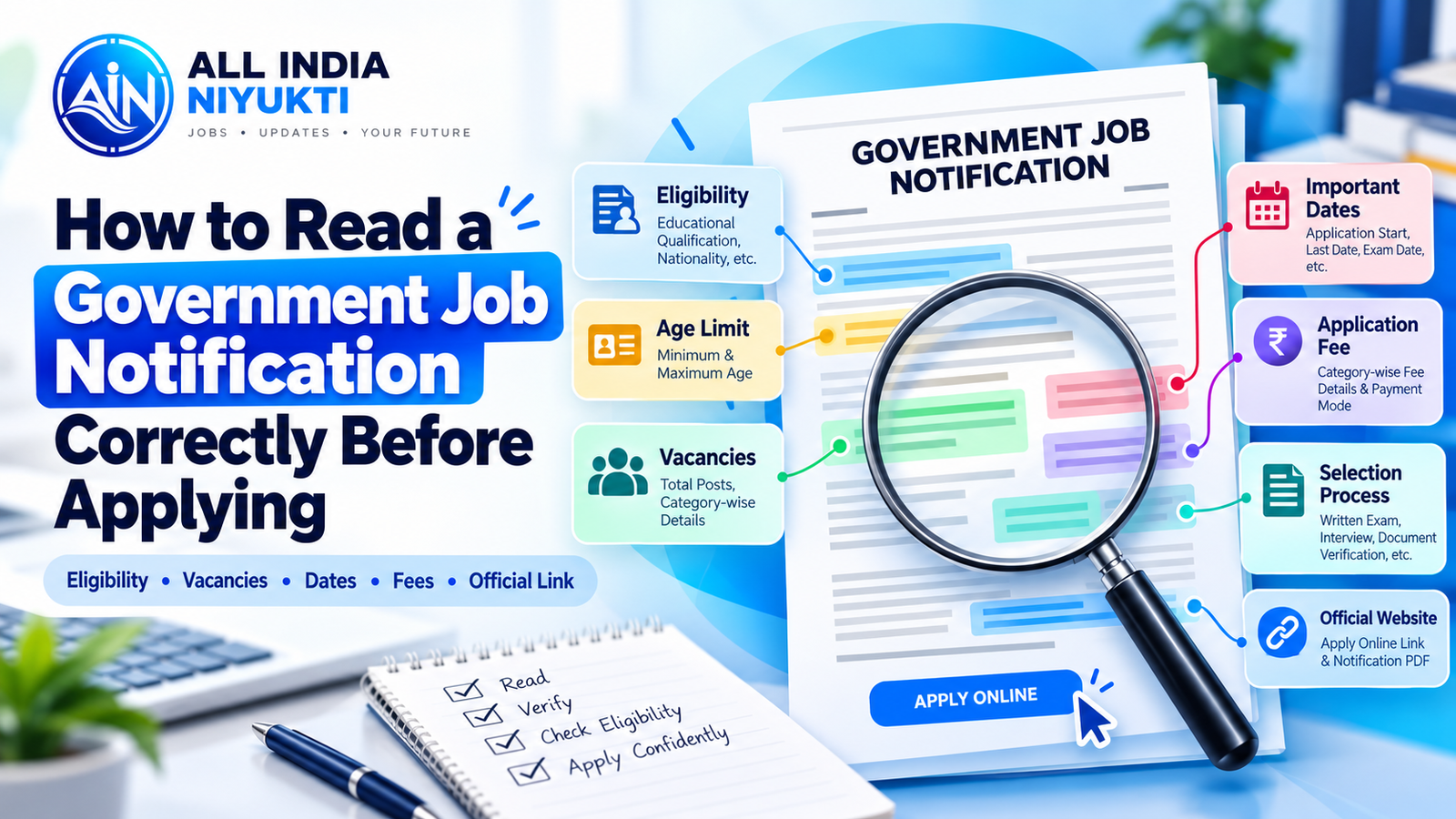
Reading only the post title or education requirement is not enough. Check the exact qualification, subject, completion date, age calculation date, experience, and any physical or professional standard stated in the full notification. A degree that sounds similar may not automatically meet a specialized requirement. If the notice is unclear, contact the recruiting organization using its published helpdesk rather than relying on a social-media comment.
Pay particular attention to dates. The age limit may be calculated on a date other than the application deadline, and a qualification may need to be completed by a specified cut-off. Write down the relevant date and calculate eligibility against that rule.
Choosing the wrong category or certificate option
Category and reservation fields can affect eligibility, fee concessions, and consideration. Select only the option that matches your circumstances and the notice. Check the required certificate format, issuing authority, validity, and date conditions. Keep the original document and a clear scan ready. If you are unsure whether a certificate qualifies, resolve the issue before submission.
Do not assume that a certificate issued under a different state or central format will be accepted for every recruitment. The notice should explain the applicable requirement. Never alter a document or select an option simply because it appears advantageous.
Uploading files that do not meet instructions
Photographs, signatures, and certificates may have separate file-size, format, dimension, or background requirements. Read these instructions before uploading. A file can upload successfully and still be cropped, blurred, rotated, or unreadable in the preview. Open each preview and confirm that all text and identifying details are visible.
Use filenames that help you identify the correct document, and store copies in a private, organized folder. Avoid editing a certificate in a way that changes its contents. If the portal rejects a valid file, follow the stated troubleshooting route or official helpdesk guidance.
Using an unofficial application link
Search results, messaging groups, and advertisements can contain shortened or misleading links. Start at the recruiting organization’s official website and follow its recruitment or application link. Check the domain carefully before entering personal information or uploading documents. A third-party summary may help you discover a notice, but it should not replace the official source.
Our jobs page is a discovery tool. Before applying, use the official notice and application portal linked by the recruiting organization, and check whether a corrigendum has changed any detail.
Waiting until the last hours
Late applications leave little time to fix a failed upload, payment delay, forgotten credential, or portal outage. Begin early enough to gather documents and review the form. If a correction window is provided, note its dates and limits rather than assuming every field can be edited later.
Set reminders for the application deadline and any earlier payment deadline. Keep time for a final review. If you experience a technical problem, record the time, error message, and support ticket reference, but do not assume that this alone extends the deadline.
Misunderstanding the fee or payment confirmation
Check the amount, exemption rules, payment methods, and any transaction charges. Use only the official portal’s payment flow. Save the transaction reference and wait for the application page to confirm payment. A debit notification from a bank does not necessarily mean the recruiting portal has updated the application status.
If payment appears pending, follow the instructions on the official portal. Avoid paying repeatedly without checking the transaction state, because duplicate payments can take time to resolve. Keep receipts and confirmation messages until the recruitment process is complete.
Submitting without a final review
Before pressing final submit, review personal details, post preferences, exam centre choices, category, contact information, and uploaded files. Compare spellings and dates with your documents. Check that required fields are complete and that your email address and phone number are active.
After submission, download the completed form and confirmation page. Confirm that the status says submitted or complete and that the payment receipt is available where required. Keep a copy in a secure place and avoid sharing application numbers or identity documents publicly.
Keeping a simple application record
For each application, save the official notice, link, submission date, registration number, payment reference, and any communication from the organization. This makes it easier to answer queries or download an admit card later. Use a private tracker rather than relying on memory.
Careful applications do not guarantee selection, but they reduce avoidable administrative errors. Read the complete notice, use official channels, and keep proof of what you submitted. For document preparation, see the site’s application and document guides; always follow the recruitment-specific instructions when they differ.
For future reference, keep a private folder for each recruitment with the official notice, corrections, submitted form, payment confirmation, and later correspondence. Use a clear folder name and avoid storing identity files in a shared or public location. When an update arrives, compare it with the documents already saved so that you can identify what changed and whether you need to take action.
After submission, continue checking the official recruitment page for updates that apply to all candidates. Save revised instructions and note any action or deadline that applies specifically to your application. Keep your login details secure, and use the organization’s official recovery process if you cannot access the portal. These habits make it easier to respond accurately throughout the later stages of the recruitment.